What is Kubernetes Ingress?
A Kubernetes ingress is an API object used to manage external user access to services running in a Kubernetes cluster. It provides routing rules, defined within the ingress resource, which you can use to configure and manage external access to your clusters. The HTTPS/HTTP protocol is commonly used to facilitate routing.
An empty ingress point provides a single point of entry into a cluster or service, making it easier to manage applications and troubleshoot routing issues. Its primary functions are traffic load balancing, secure sockets layer (SSL) termination, and name-based virtual hosting.
An ingress is an alternative to creating a dedicated network load balancer in front of Kubernetes services, or manually exposing services within a node. It lets you flexibly configure routing rules, greatly simplifying your production environment.
This is part of a series of articles about Kubernetes API gateway.
Read more about API gateways in a cloud native world
What is a Kubernetes Ingress Controller?
An Ingress controller implements a Kubernetes Ingress and works as a a load balancing algorithm, balancer and reverse proxy entity. It abstracts traffic routing by directing traffic coming towards a Kubernetes platform to the pods inside and load balancing it. The controller's routing directions come from the Ingress resource configurations.
A Kubernetes cluster can have multiple associated Ingress controllers, and each one works similarly to a deployment controller. It is event-driven and gets triggered when, for example, a user creates, updates or deletes an Ingress. Once triggered, an Ingress controller tracks a call within the cluster's Ingress resources and reads the Ingress specifications. Then, it makes the configuration (in YAML or JSON) intelligible for the reverse proxy so it can provide the cluster with the resources it requires.
Learn more in our detailed guide to Kubernetes Ingress Controller
Types of Ingress
Single Service Ingress
A single service ingress exposes only one service to external users. To enable external access to a single service ingress, you must define a default backend-if the ingress object's host or path does not match information in the HTTP message, traffic is forwarded to this default backend. The default backend does not have any routing rules.

Simple Fanout Ingress
A simple fan-out ingress allows you to expose multiple services using a single IP address. This makes it easier to route traffic to destinations based on the type of request. This type of simple ingress controller simplifies traffic routing while reducing the total number of load balancers in the cluster.

Name-based Virtual Hosting
Name-based virtual hosting makes it possible to route HTTP traffic to multiple hostnames with the same IP address. This ingress type usually directs incoming traffic to a specific host before evaluating routing rules.

Ingress vs. ClusterIP vs. NodePort vs. LoadBalancer
There are several different ways to enable traffic to flow into a Kubernetes cluster:
- Ingress-allows you to consolidate traffic routing rules into a single resource that runs natively within the Kubernetes cluster.
- ClusterIP-this is the recommended option for accessing internal services using internal IP addresses. You can use it for debugging services, internal traffic, or for the Kubernetes dashboard during development stages.
- NodePort-this is a virtual machine (VM) used to expose services using a static port number. It is not recommended for production environments, but can be used to expose services in development environments. It does not provide load balancing or multi-service routing capabilities.
- LoadBalancer-this object exposes services to the Internet using an external LoadBalancer. It is acceptable for use in production Kubernetes clusters.
When should you use Kubernetes ingress?
The ingress resource is recommended when exposing services in production Kubernetes clusters. It is useful when you need to define complex traffic routing, and helps you reduce the cost of external traffic load balancers, leveraging the resources of your Kubernetes cluster nodes. Another motivation for using an ingress is when you want to manage traffic routing within Kubernetes and avoid having one more system to manage.
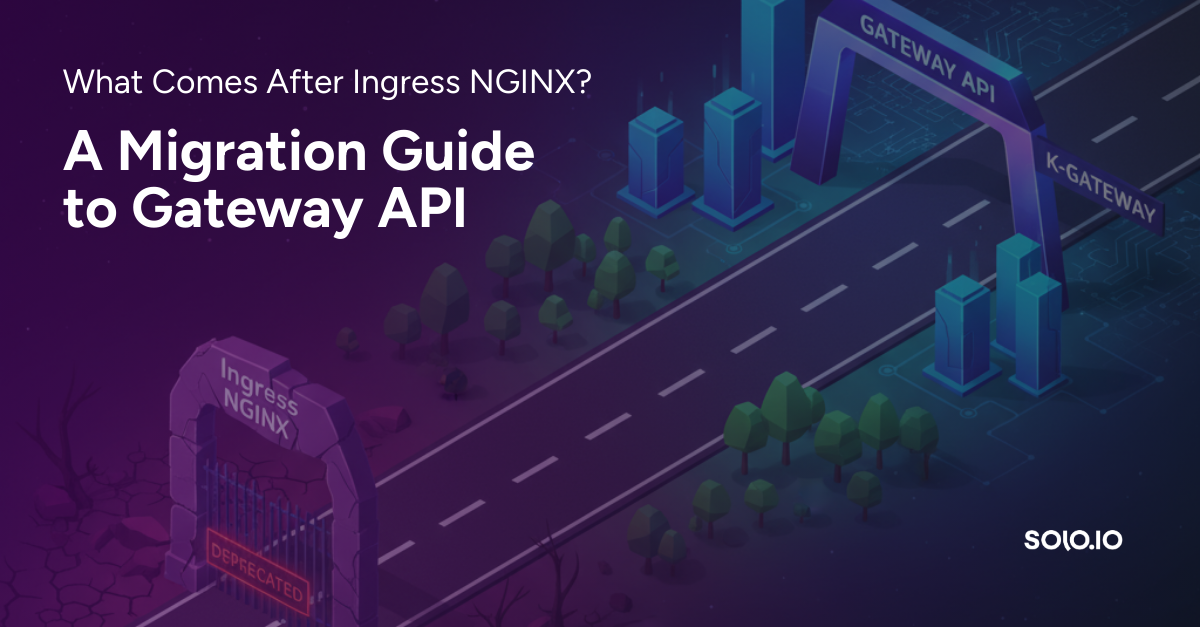
Ingress NGINX retirement: migrating to Gateway API with kgateway
The community Ingress NGINX controller (kubernetes/ingress-nginx), which the nginx ingress class in the examples below refers to, was retired in March 2026. As announced by Kubernetes SIG Network and the Security Response Committee, best-effort maintenance ended in March 2026, and there are no further releases, bug fixes, or security patches. Existing deployments keep running and installation artifacts remain available, but the Kubernetes project recommends migrating to Gateway API, the modern replacement for Ingress. (F5's separately maintained NGINX Ingress Controller is a different project.)
A practical migration path is to convert existing Ingress resources into Gateway API resources (Gateway and HTTPRoute) with ingress2gateway, then run them on a Gateway API implementation such as kgateway, the open source, Envoy-based gateway. Teams that need enterprise support and advanced security can use Solo Enterprise for kgateway. For a step-by-step walkthrough, see What comes after Ingress NGINX: a migration guide to Gateway API.
Kubernetes Ingress Examples
Basic Example: Default Ingress Resource
A default Kubernetes Ingress resource example is below:
kind: Ingress
metadata:
name: demo-ingress-example
annotations:
nginx.ingress.kubernetes.io/rewrite-target: /
spec:
ingressClassName: demo-nginx-example
rules:
- http:
paths:
- path: /demofilepath
pathType: Prefix
backend:
service:
name: demoservice
port:
number: 99
An Ingress requires the following fields:
- apiVersion
- kind
- metadata
- spec
The Ingress object's name has to be a valid DNS subdomain title. The specification has everything required for configuring load balancers and proxy servers. It also specifies rules to match incoming requests against. However, an Ingress resource can only have rules to direct HTTP(S) traffic.
An Ingress Controller needs to be deployed for using Kubernetes Ingress. Some different choices of Ingress Controller that Kubernetes supports are:
- AKS Application Gateway Ingress Controller
- Istio Ingress
- NGINX Ingress Controller For Kubernetes
Exposing Services as Externally Usable URLs via Ingress
Configuration inside an ingress Controller gets updated through Ingress Resources. Taking Nginx as an example, a set of pods are present inside the Nginx instance which monitors the Ingress Resources for any changes. Then, it reloads the configuration after updating it if there are changes.
kind: Ingress
metadata:
name: demo-Ingress
annotations:
nginx.ingress.kubernetes.io/rewrite-target: /
spec:
ingressClassName: nginx
rules:
- host: demo.web.com
http:
paths:
- path: /demo-Ingress
pathType: Prefix
backend:
service:
name: demo-Ingress
port: 1919
The specification tells the Nginx Ingress controller that it has to monitor and update by specifying ingress-nginx as the ingress class. In case there are multiple Controllers, the ingress.class specifies which Controller monitors the resources. The spec part contains the following information:
- the rules
- the hostname which the rules apply to
- if the traffic is HTTP or HTTPs or neither
- the path it is watching
- the port the traffic is going to get sent to
The traffic received at demo.web.com gets directed to the demo-Ingress service on the 1919 port. Such a specification provides a path-based load balancing strategy and allows using a single DNS entry for a host(s).
Load Balancing Traffic with Kubernetes Ingress
The following specification allows load balancing through splitting up the traffic and routing it towards different backends and deployments in the application based on the path. It is favorable for endpoints that receive more traffic than others and a single deployment can be scaled for /demo-Ingress.
kind: Ingress
metadata:
name: demo-Ingress-split
annotations:
nginx.ingress.kubernetes.io/rewrite-target:
spec:
ingressClassName: nginx
rules:
- host: demo.web.com
http:
paths:
- path: /demo-Ingress
pathType: Prefix
backend:
service:
name: demo-Ingress
port:
number: 1919
- path: /demo-Ingress-split
pathType: Prefix
backend:
service:
name: demo-Ingress-split
port:
number: 2020
Here, the specification is the same as before. However, the additional part features another deployment and service.



%20(1).png)




















%20a%20Bad%20Idea.png)