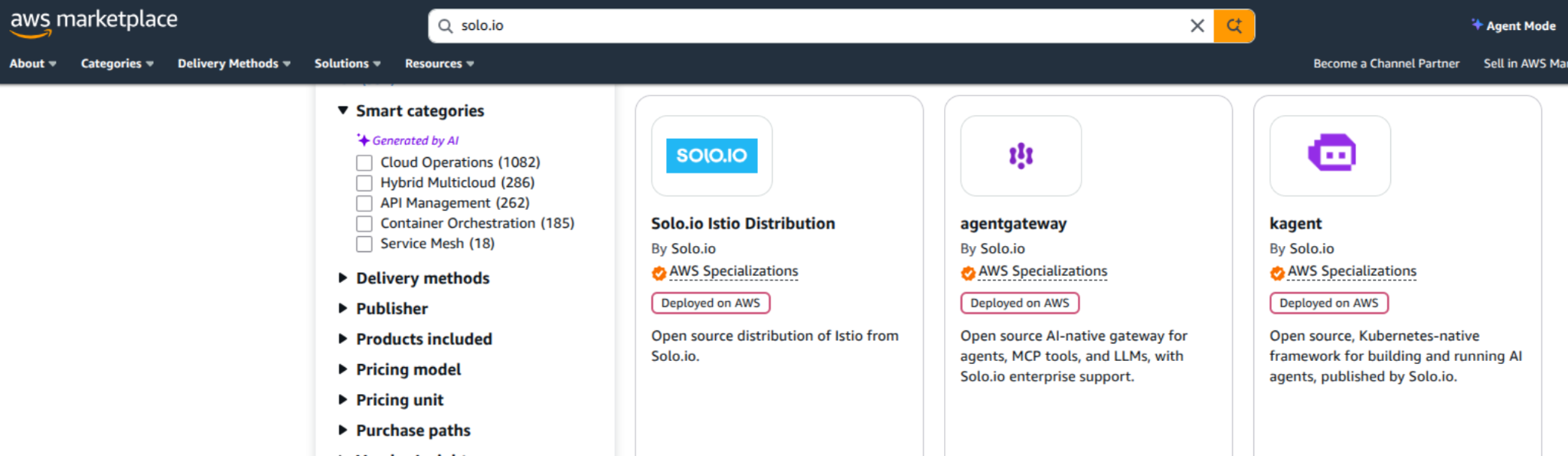
In the announcement post we introduced the open source kagent and agentgateway listings on the three major cloud marketplaces and walked through running them together. This post covers the AWS specifics: both products are available on AWS Marketplace as EKS add-ons and as Helm charts, and the two paths suit different setups. The add-on path is the most hands-off: EKS manages the lifecycle and the install is one console click or CLI call. The Helm path works everywhere else, including EKS-Anywhere and clusters where you manage add-ons yourself.
Both listings are free. Start by subscribing (free of any charges) on the marketplace pages (kagent, agentgateway) with the AWS account that owns your cluster: click through View purchase options and accept the terms. Without the subscription the add-on install fails with AddonSubscriptionNeeded, which is the error to remember if you skip ahead.
Before you begin
The commands below refer to your cluster as $CLUSTER, so set it once:
export CLUSTER=agents-demo
No EKS cluster handy? eksctl builds a demo-sized one in about fifteen minutes:
eksctl create cluster --name $CLUSTER --region us-west-2 \
 --nodes 2 --node-type m5.large --with-oidc
Two cluster prerequisites, one per product.
Agentgateway builds on the Kubernetes Gateway API, so install the standard CRDs first:
kubectl apply --server-side -f https://github.com/kubernetes-sigs/gateway-api/releases/download/v1.5.0/standard-install.yaml
Kagent ships a bundled PostgreSQL that needs a PersistentVolume, and a fresh EKS cluster can't provide one out of the box for two separate reasons: the EBS CSI driver is not installed, and the preinstalled gp2 StorageClass is not marked default. Miss either one and the PostgreSQL pod stays Pending while the kagent controller crash-loops on connection refused. Two commands close both gaps. Use eksctl for the driver, since it also creates the IAM role the driver needs to provision volumes:
eksctl create addon --cluster $CLUSTER --name aws-ebs-csi-driver
aws eks wait addon-active --cluster-name $CLUSTER --addon-name aws-ebs-csi-driver

kubectl patch storageclass gp2 \
  -p '{"metadata": {"annotations":{"storageclass.kubernetes.io/is-default-class":"true"}}}'
Install as EKS add-ons
Console: EKS cluster page, Add-ons tab, Get more add-ons, then find the two under AWS Marketplace add-ons and install. CLI:
aws eks create-addon --cluster-name $CLUSTER --addon-name solo-io_agentgateway-distro
aws eks create-addon --cluster-name $CLUSTER --addon-name solo-io_kagent-distro
Watch all three add-ons (the storage driver included) go active:
for a in aws-ebs-csi-driver solo-io_agentgateway-distro solo-io_kagent-distro; do
  echo -n "$a: "
  aws eks describe-addon --cluster-name $CLUSTER --addon-name $a \
    --query 'addon.status' --output text
done
Agentgateway lands in agentgateway-system and kagent in the kagent namespace:
$ kubectl get pods -n agentgateway-system
NAME                           READY   STATUS    RESTARTS   AGE
agentgateway-cdd8744df-4rb7k   1/1     Running   0          2m

$ kubectl get pods -n kagent
NAME                                             READY   STATUS    RESTARTS   AGE
kagent-controller-7974bb886-ch8v7                1/1     Running   0          2m
kagent-kmcp-controller-manager-bc49969c4-crhjv   1/1     Running   0          2m
kagent-postgresql-85d75cbd57-knpqf               1/1     Running   0          2m
kagent-tools-6cb4449d6b-hzfsr                    1/1     Running   0          2m
kagent-ui-75f8449979-96km2                       1/1     Running   0          2m
Add-on updates follow the marketplace release cadence and show up in the console like any other EKS add-on.
Install with Helm
The charts live in the AWS Marketplace ECR registry (account `709825985650`, shared by all marketplace Helm products) and become pullable once you subscribe. Authenticate Helm to it, then install; Helm resolves the latest published chart version on its own:
aws ecr get-login-password --region us-east-1 \
  | helm registry login --username AWS --password-stdin 709825985650.dkr.ecr.us-east-1.amazonaws.com

helm install agentgateway \
  oci://709825985650.dkr.ecr.us-east-1.amazonaws.com/solo-io/agentgateway/solo.io-agentgateway \
  -n agentgateway-system --create-namespace

helm install kagent \
  oci://709825985650.dkr.ecr.us-east-1.amazonaws.com/solo-io/kagent/solo.io-kagent \
  -n kagent --create-namespace
The images are digest-pinned and hosted in the marketplace registry, so what you deploy is exactly what was scanned and published.
Next steps
From here the walkthrough is identical on every cloud: configure an LLM provider for kagent, create an agent, and put agentgateway in front of it. Pick it up at the demo section of the announcement post.


%20(1).png)






%20a%20Bad%20Idea.png)